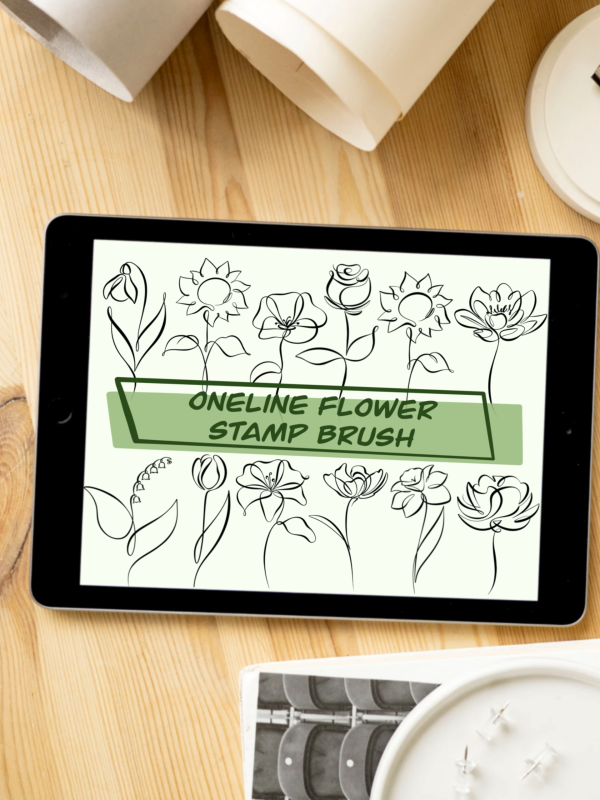
Draw smooth, elegant lines with the same brushes I use for my own custom line art designs.
WHAT’S INCLUDED
• Line Brush 1 – a bolder line with strong thick-to-thin contrast
• Line Brush 2 – a finer line
• Video tutorial (English & Spanish)
THE BRUSHES
Both brushes respond to the pressure of your Apple Pencil. Press lightly for a thin, delicate line, press harder for a bolder one. The ends taper softly, so every stroke looks clean, smooth and hand-drawn. Perfect for line art and one-line art: pets, portraits, florals, lettering or tattoo designs.
THE VIDEO TUTORIAL
In this short tutorial, I show you the brush settings that make the biggest difference in line art and how to adjust them to your own hand. You’ll also see how pressure and stroke speed change the look of your lines, so you can find your own rhythm and style.
GOOD TO KNOW
• For Procreate on iPad, works best with Apple Pencil
• Digital product – nothing will be shipped
• The brush files and video are sent to your email after purchase